
Set up a Business Owner account
Complete Cleanr's paid web onboarding, sign in as the Business Owner, and finish the setup checklist.
The Business Owner creates the Cleanr business through paid onboarding on the web, then uses the same owner credentials on the web and iPhone.
Before you start
- Have an email address you can access and a password you can keep secure.
- Use a browser to complete the paid onboarding and account-creation screens.
- Use the real business name. Customers see it on invoices and messages.
Shortest successful path
Create the owner account
- Open
app.trycleanr.com/signup. Cleanr sends new owners into the paid onboarding at/onboarding. - Complete the business questions, review the billing options, and continue to secure checkout.
- Follow the on-screen account-creation steps after checkout.
- Sign in at
app.trycleanr.comwith the owner email and password.
Sign in as the owner
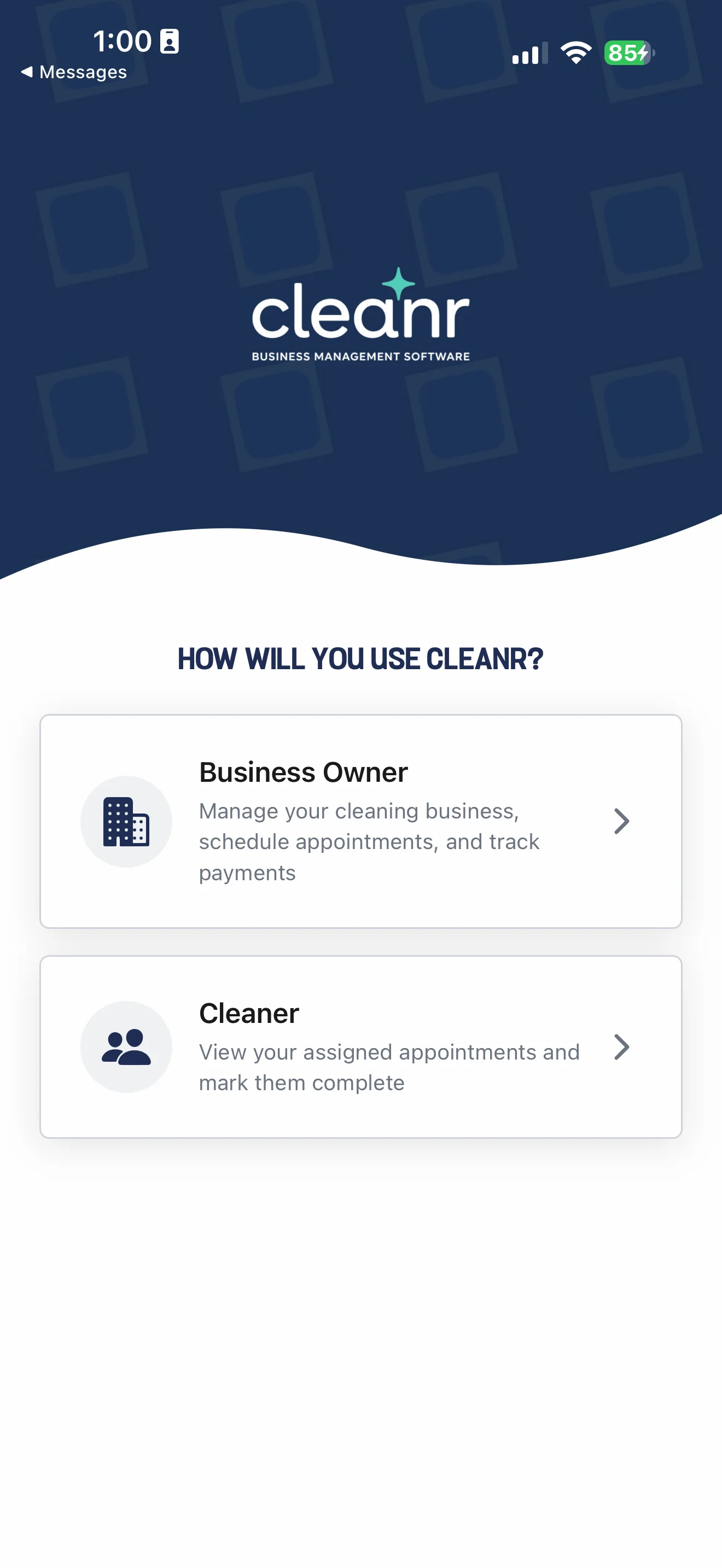
- Install and open Cleanr, then choose Business Owner.
- If the account does not exist yet, tap Create your CLEANR account →. The iPhone app opens the paid onboarding in a browser.
- After completing the web flow, return to Cleanr and sign in with the same owner email and password.
- If Cleanr asks for business setup, enter Business Name, confirm the Business time zone, and tap Create Business.
- Complete the requested iPhone permissions. Notification and location access help with daily work, but the permission screens explain what each access is used for.
Finish the operating basics
The setup checklist on Today uses these exact destinations:
| Checklist item | Where it opens |
|---|---|
| Business details | Settings → Account |
| Services | Settings → Services |
| Staff | Staff |
| Payments | Settings → Invoicing & Payments |
| First appointment | Appointment creation; after completion, Schedule |
Confirm the business time zone before scheduling. Add a reusable service or package, then follow Book your first appointment. Invite Cleaners from Staff; their join flow is covered there.
Troubleshooting
The owner is asked to set up a business again. Stop before creating it. Sign out and confirm you used the email tied to the existing Cleanr business.
The password is forgotten. Use Forgot password? on either Business Owner sign-in screen, then use the newest reset message.
You meant to join someone else's business. Do not create another Business Owner account. Ask the owner for a Cleaner invite and follow Staff setup.
Was this guide helpful?
Feedback sends only this guide's path and your selected answer—never free text or account information.